Free
$0forever
1,000 words every rolling seven days.
- The same cleanup as Pro
- No card required
Accessible dictation software
If typing hurts, tires you out or gets between you and what you want to say, you can say it instead.
Free to start. No card required.
Accessibility
Typing is not equally easy for everyone.
Sometimes it hurts. Sometimes it takes too much effort. Sometimes your hands, eyes, speech, or the act of getting words onto a screen make typing harder than it should be.
Rubil gives you another way.
Use your voice when typing is painful or physically demanding.
Say what you want to say without having to get every word through a keyboard.
Use your voice when a keyboard or mouse is difficult to use.
You already know what you want to say. Rubil helps you get it there.
Speak at your own pace. Rubil waits for your words.
Your dictations stay in your history, so you can find them when you need them.
You don't need a diagnosis to use Rubil.
If typing is difficult for you, Rubil is for you.
What helps
Less effort to get your words onto the screen, and less to keep track of.
We build and fine-tune Rubil to handle different speech patterns, including repeated sounds and words, pauses, restarts and uneven pacing.
Speak for up to 15 minutes without stopping to restart. Keep your train of thought, work at your own pace and get your ideas down without breaking your flow.
Hear your saved dictations read aloud, even offline. Check what you said, catch mistakes and review your words without having to read them on screen. Available on Mac.
Start and stop with one key, a click on the Rubil pill or a shortcut you choose.
When you want a word-for-word record, keep the recognized words without cleanup.
If a take doesn't send, Rubil holds on to it so you can try again.
Your saved dictations stay on your computer, encrypted and searchable, so you can see what Rubil heard.
Make text bigger, add letter spacing or switch to a reading font that keeps similar letters apart.
Turn off sound cues and quiet notifications when you want fewer distractions.
Accessibility is ongoing work. If you'd like to collaborate, help us test or share what would make Rubil easier for you to use, we'd love to hear from you at [email protected].
Less typing. More control over how you work.
Quality
Rubil is tested on one question: can you send it without fixing it first?
99.87%of dictations in our latest quality run arrived ready to send with no edits.
Last run: October 1, 2026 · Suite v3.1.0 · See how we measure quality
Speed
You speak about three times faster than you type. Rubil takes care of the punctuation, so the time you save stays saved.
Formatting
Rubil formats your words for the app you're using.
Rubil formats your words. It never generates them. · See all supported apps
Glossary
Names, product terms, acronyms and shortcuts can be added to your Glossary.
Add a word once. Rubil uses your spelling.
You can even create shortcuts. Say "my address", and Rubil types your saved address.
You decide what goes in.
More than dictation
Start with “Rubil” to save something to Notes instead of typing it.
Connect your apps and ask for a draft. Rubil marks it as generated and inserts nothing until you choose.
Notes and Connectors are currently being built.
Privacy
Your audio is used to turn your speech into text. Rubil then sends the text for formatting.
Your words are for you, not for us.
It is encrypted and is never sent to our server.
Our analytics tell us that you used Rubil. They do not contain what you said.
Your privacy matters because your words belong to you.
Devices
Your account, subscription, settings and Glossary follow you.
| Device | Form | Status | Action |
|---|---|---|---|
| Mac | Desktop app | Available | Download for Mac |
| Windows | Desktop app | Available | Download for Windows |
| Chrome | Browser extension | Available |  Add to Chrome Add to Chrome |
iPhone and Android are coming. Join the list and we'll let you know when they're ready.
One subscription will cover all of them.
Languages
Rubil supports 57+ languages. Speak in your own language and get the same punctuation, formatting and Glossary support.
Pricing
$0forever
1,000 words every rolling seven days.
$7a month
Unlimited words. Or $59 a year.
Your first 7 days are Pro, free. No card required. After seven days, you move to Free unless you subscribe.
Reviews
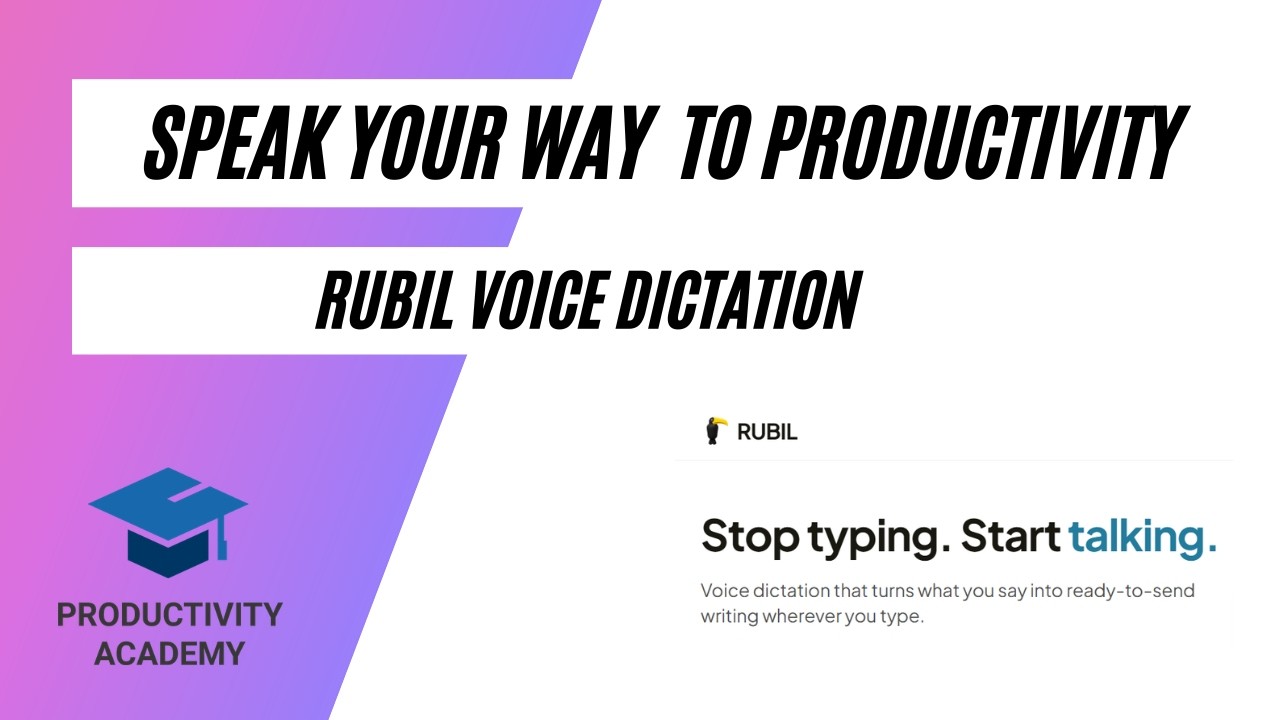 2:28Watch Adam Moody's review on YouTube, 2 minutes 28 seconds. Opens in a new tab.
“If you're not dictating yet or looking for a better tool for your workflow, this is worth the 5 minutes of your time to set up.”
“It's really easy to use, I find it to be much faster than typing and very accurate as well. The interface is very practical and doesn't interfere with my workflow, I can't live without it now!”
No. Rubil formats your words. It does not rewrite, summarize or generate them.
Rubil works across 20+ writing surfaces, including email, messaging, documents and AI chat.
Rubil is available for Mac, Windows and Chrome today. iPhone and Android are coming.
Yes. Rubil is designed to work with different ways of navigating and controlling your computer.
Yes. Your account keeps your subscription, settings and Glossary available across your devices.
You get 1,000 words every rolling seven days on the Free plan.
Yes. You can cancel at any time.
Yes. Pro purchases are covered by a 30-day refund policy.
Custom needs
Tell me what is getting in your way.
If you need Rubil to work differently for your hands, your eyes, your voice or your setup, I'd like to hear about it. If it would help you, I'll look at what we can change.
You don't need to tell me about a diagnosis. Just tell me what you're trying to do.
Rubil gives you another way to use your computer when typing is difficult.
Try Pro free for 7 days. Then 1,000 words a week, free forever. No credit card required.